Ruxo Label Studio

Design. Prepare. Print.
RUXO® Label Studio is professional label design and production software built around real label media, variable data and production printing workflows.
Register Before Downloading RUXO Label Studio
Registration is required before access is provided to the RUXO Label Studio software and user manual. Complete the form below and confirm the POPIA notice. Once the form has submitted successfully you will be taken automatically to the download page.
Registration Form
Complete all required information below. When you press Submit, the POPIA consent window will appear before your information is sent.
More Than a Standard Label Designer
RUXO Label Studio works around actual label media, die geometry and real production requirements.
One Workflow from Design to Printer
Design against the true die shape, add text, artwork, barcodes and variable data, preview the finished result and send the job directly to your colour label printer.
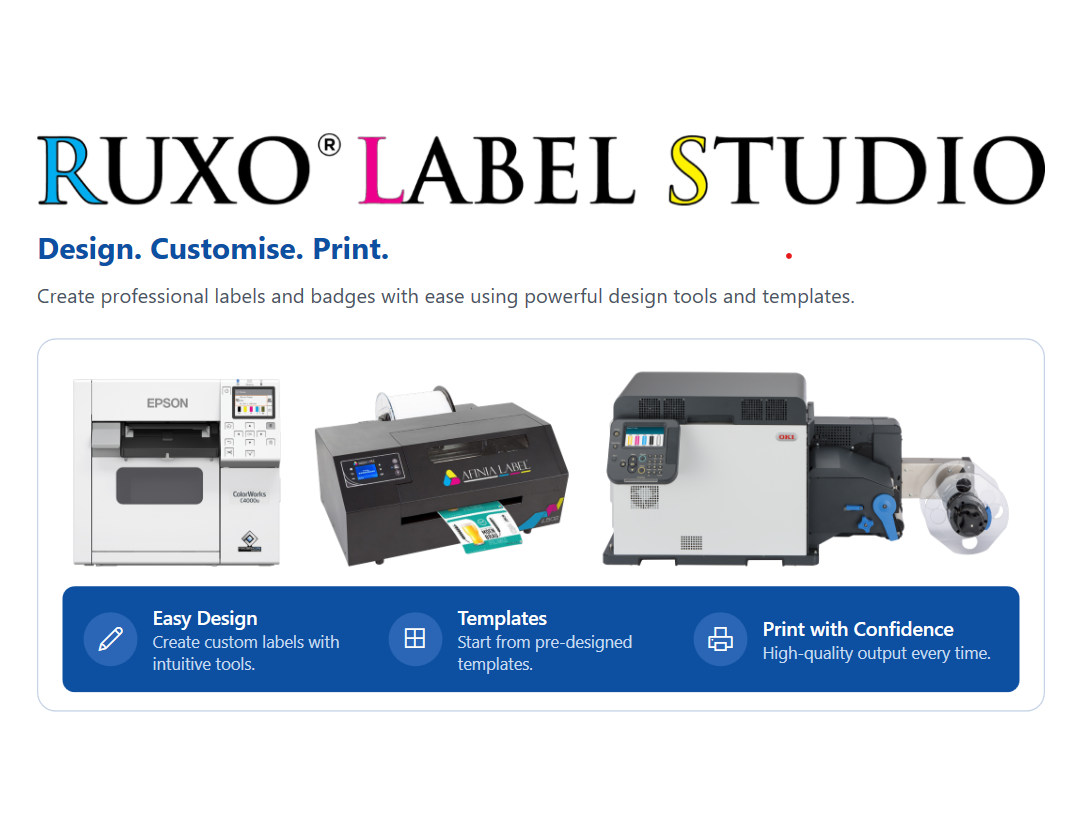
RUXO Label Studio supports Epson ColorWorks, OKI and Afinia Label production environments.
Built for Production
Use the same platform for product labels, visitor badges, wristbands, chemical labels, shelf tags, waybills, variable data and production print runs.
Professional Tools for Label Production
Design, colour management, variable data and production printing work together in one workflow.
Media & Dies
Work with real label geometry.
- Built-in label sizes
- True cut-shape canvas
- Continuous stock
- Gapped stock
- Custom media
Design
Professional label creation tools.
- Text
- Images
- PDF artwork
- QR codes
- Barcodes
Colour
Manage professional print colours.
- HEX
- RGB
- CMYK
- Brand colours
- White and Clear
Variable Data
Create changing production labels.
- CSV
- Excel
- SQL workflows
- Sequential numbering
- Variable fields
Production Printing
Move directly into production.
- Batch printing
- Multi-design runs
- Sheet printing
- Print history
- Cost calculator
Printer Support
Designed around professional label printers.
- Epson ColorWorks
- OKI Pro Series
- Afinia Label
- Windows drivers
- Production output
From Design to Production
RUXO Label Studio combines label creation, variable data, batch printing and production control in a single workflow.
Register for Label StudioDesigned for Professional Windows Production
Compatible with supported Windows production environments.
Designed around Epson ColorWorks, OKI and Afinia Label printers.
Registration and POPIA confirmation are required before accessing the software and user manual.
Need Help with RUXO Label Studio?
Contact RUXO Labels for assistance with registration, software, supported printers, label media or technical support.
