Product Compatibility
Flat objects and containers
Apply labels to unfilled pouches, boxes, cards, flat packs and other products with a stable application surface.
Apply labels evenly and consistently to flat objects, containers and unfilled pouches using intuitive controls, ultrasonic media sensing and repeatable saved job settings.
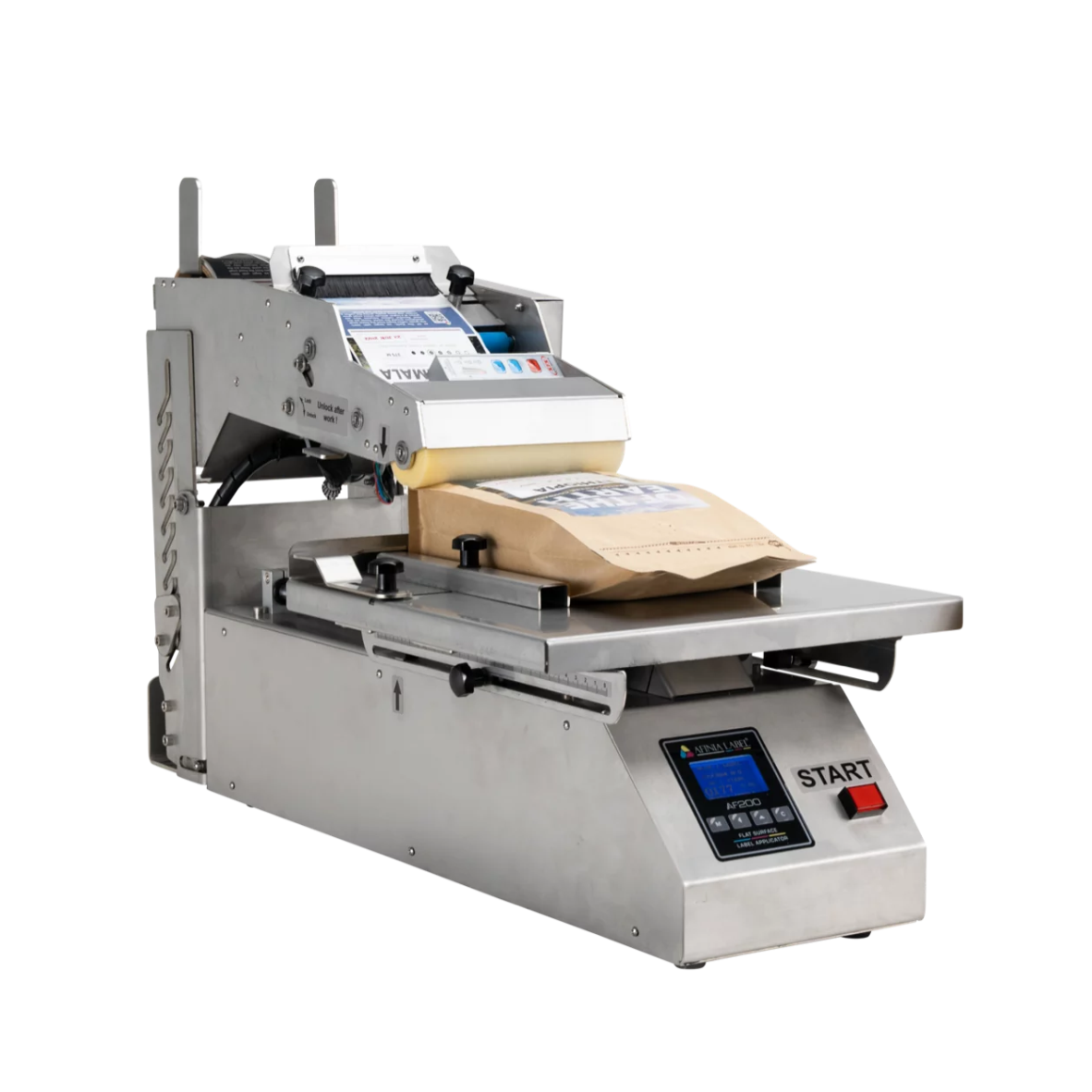
The Afinia AF200 is a semi-automatic label applicator designed for flat-surfaced objects and containers. Labels are applied with a simple button press or the included foot pedal, helping operators achieve even and repeatable placement.
Apply labels to unfilled pouches, boxes, cards, flat packs and other products with a stable application surface.
Configure the AF200 for one label or two different labels per container where front-and-back identification is required.
Start each application cycle from the machine control or use the included foot pedal for a more hands-free workflow.
Intuitive setup and adjustable positioning help operators maintain accurate placement throughout a production run.
Small and medium production environments that require a professional alternative to applying labels manually to flat products.
The AF200 combines straightforward media loading, saved job settings and controlled activation for a quick and repeatable production workflow.
Install the roll-fed labels, guide the web through the media path and train the ultrasonic sensor.
Use the online calculator to determine the correct positioning and spacing values for the product.
Position the flat item against the guides or inside an optional custom-fit tray for consistent alignment.
Press the button or foot pedal to apply the label evenly, then repeat the cycle for the next item.
A convenient online calculator provides quick values for label position and spacing. These settings can be entered, saved and recalled using the AF200’s intuitive LCD display.
Generate accurate setup values without relying on repeated manual trial-and-error adjustments.
Enter operating values through a clear interface designed for simple production setup.
Store frequently used product settings to reduce setup time on repeat production runs.
Quickly return to saved configurations when switching between established products.
The ultrasonic media sensor can be trained to detect label gaps across a wider range of media than common mechanical flag sensors, supporting consistent operation even with thin materials.
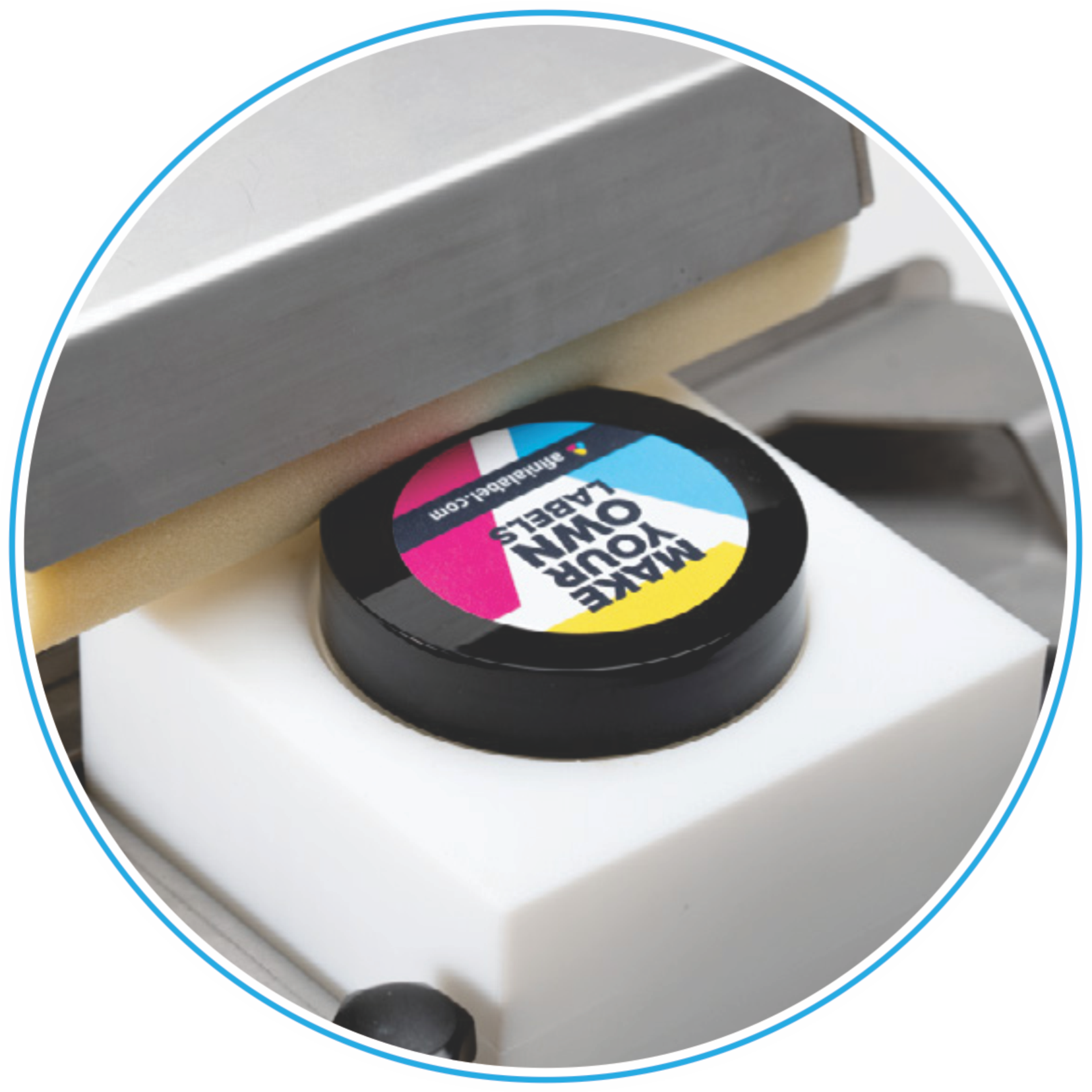
Ultrasonic sensing is suitable for materials that may be difficult for conventional mechanical gap sensors.
The trained sensor supports stable feeding and label detection even when working with thin label constructions.
Accurate gap detection helps each label stop in the correct position before the next application cycle.
Operators can configure the sensor for the installed roll before beginning production.
Custom trays can be created for irregular containers or objects that require additional support and repeatable positioning during label application.
Trays are produced from product measurements or a detailed 3D scan of the item.
A fitted cradle helps every product enter the application position in the same orientation.
Support containers and objects that cannot be positioned reliably using standard flat guides alone.
Reduce manual alignment time while improving accuracy and ease of use across the production run.
Review the AF200’s compact applicator design, product positioning area and operator control layout.
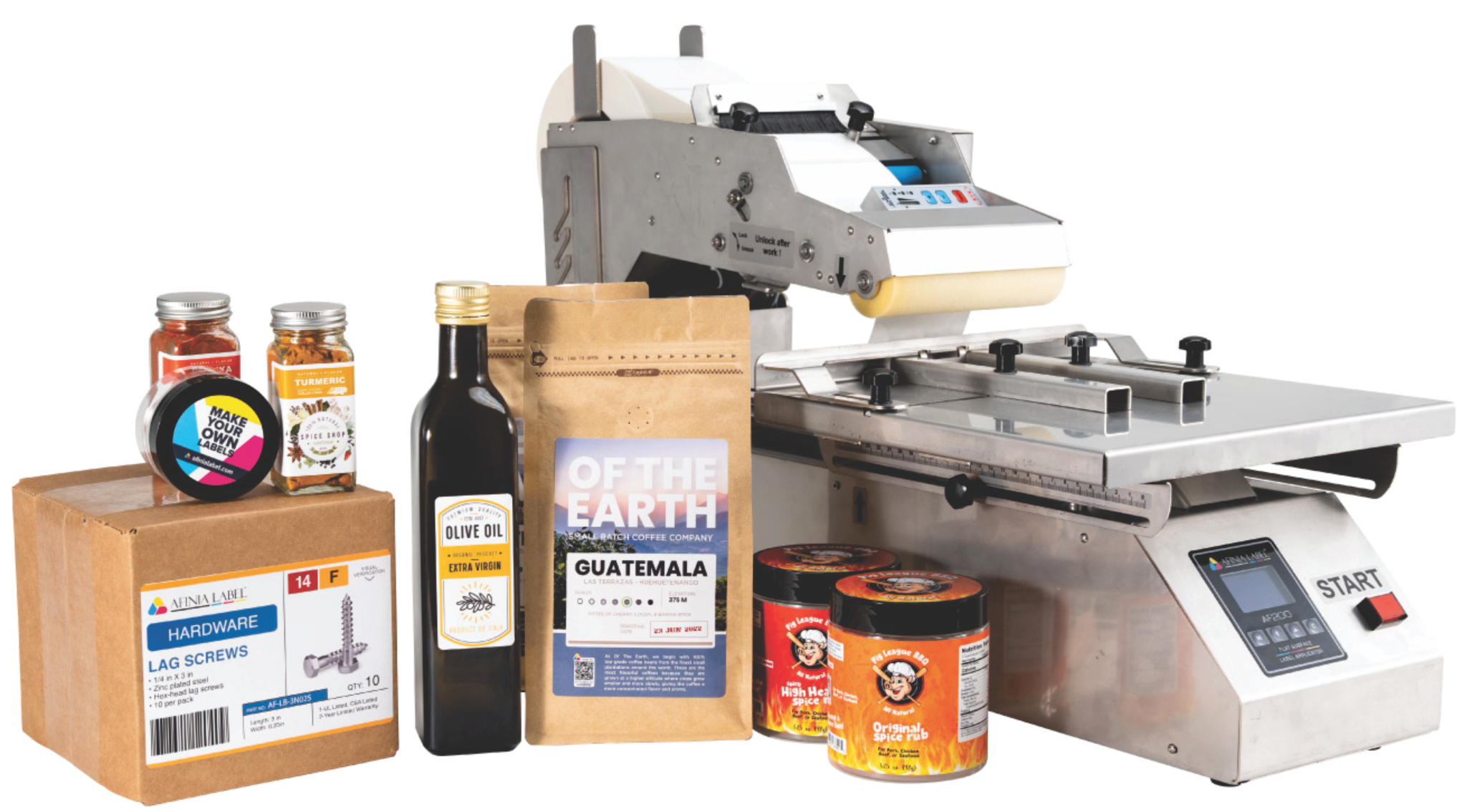
See the applicator workflow in operation and review the official AF200 product information.
Download the AF200 brochure for product information, operating details and application guidance.
Speak to our team about product dimensions, label placement, one- or two-label application, label material and optional custom-fit trays.
