Label Designer
Business-user-friendly design
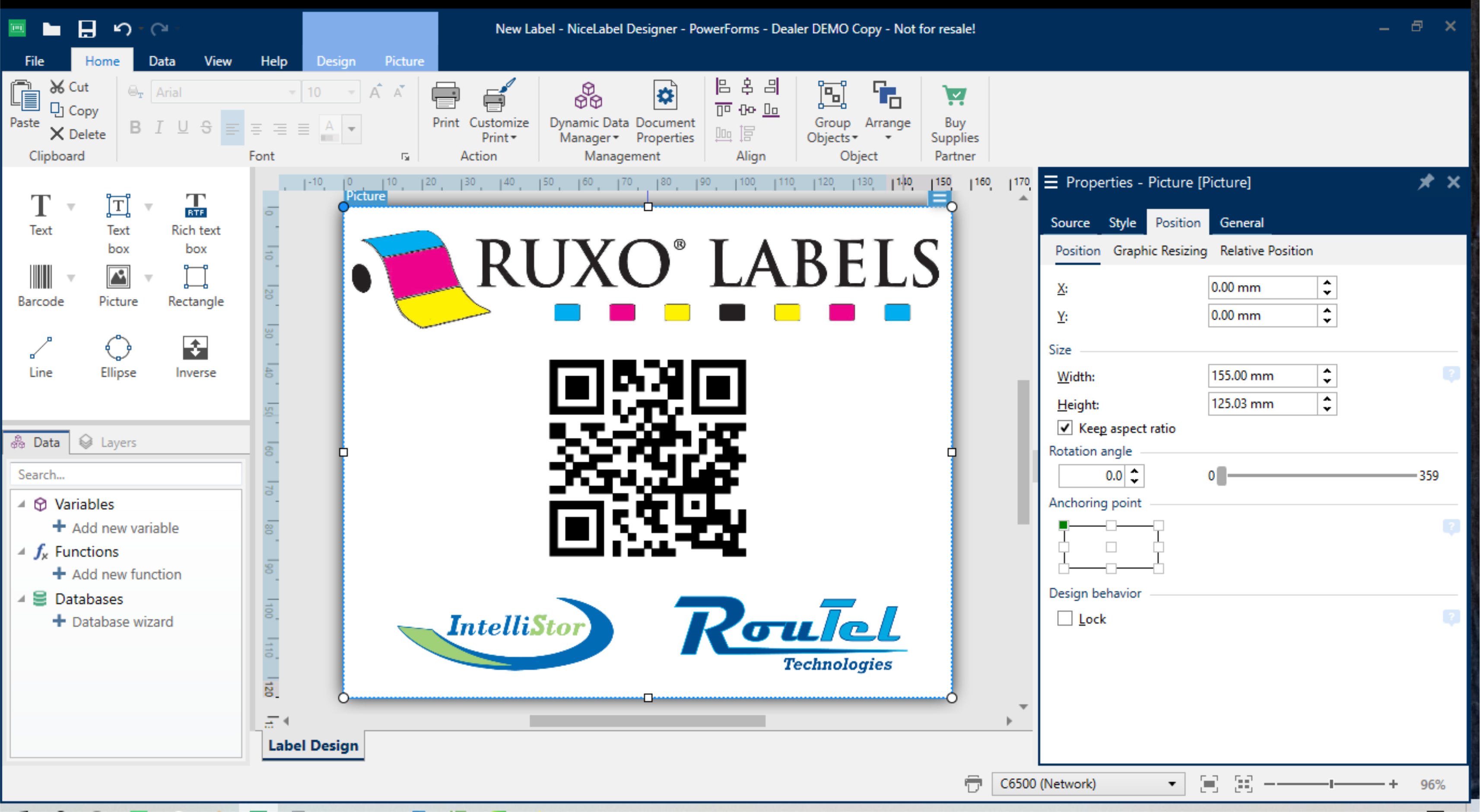
Create professional labels in a familiar Microsoft Word-like environment without relying on specialist developers.
Standardize label design, approvals, document control, web printing and business-system integration in one scalable platform.
NiceLabel’s Label Management System brings label design, document control, application building, web printing, integrated printing, non-production testing and change management together in one scalable environment.
Create professional labels in a familiar Microsoft Word-like environment without relying on specialist developers.
Store, review, approve and control label documents from one managed database.
Support browser-based manual printing as well as automated printing triggered by business systems.
Extend the platform across remote sites, suppliers, contract manufacturers and global production environments.
Organizations that need consistent, controlled and scalable labeling across departments, sites and business systems.
NiceLabel Cloud Designer gives teams a web-based drag-and-drop label design environment with secure collaboration, database connectivity and centralized deployment across locations.
Create and manage labels from a browser without installing complex desktop software on every workstation.
Build professional label layouts quickly without advanced technical or programming knowledge.
Link labels to databases and ERP systems so printed information remains accurate and controlled.
Coordinate design, review and approval processes across teams and locations.
Distribute approved printing applications to remote sites from one centrally managed environment.
Modernize labeling without building and maintaining heavy local IT infrastructure.
NiceLabel connects the four essential areas of modern labeling into one controlled and scalable platform.

Move label creation out of the IT department and into the hands of trained business users.
Explore label design ↓
Manage browser-based printing applications across sites, suppliers and contract manufacturers.
Explore manual printing ↓Design, review, approve and manage labeling from a centralized database.
Explore document control ↓
Increase accuracy and efficiency by printing directly from trusted business data.
Explore integration ↓The NiceLabel designer provides a Microsoft Word-like experience that enables users to create labels quickly while maintaining professional standards.
Reduce training requirements with tools and controls that feel familiar to everyday office-software users.
Allow authorized business users to create and update labels while IT maintains governance and infrastructure.
Use business-system and database information to reduce manual data entry and labeling errors.
Use approved layouts, data sources and processes across departments and production sites.
Deploy manual printing applications through the web or integrate labeling directly with SAP and other business systems.
Publish and manage browser-based printing applications across internal sites, third-party suppliers, contractors and vendors with a single deployment process.
Trigger label printing from trusted business systems to improve accuracy, remove duplicate data entry and establish a single source of truth.
Manage label design, review, approval, version control and access from one centralized system without installing software on every workstation.
Build or update a label using approved data sources, templates and design standards.
Route the label to the appropriate users for structured review and comments.
Apply controlled approval steps before a label can be released for production.
Publish the approved version to authorized users, applications and locations.
Maintain version history, permissions and a reliable audit trail for labeling changes.
Reduce the risk of outdated files, uncontrolled local copies and inconsistent labels across your organization.
Instead of relying on elaborate custom coding, NiceLabel is configured to support your products, processes and business systems.
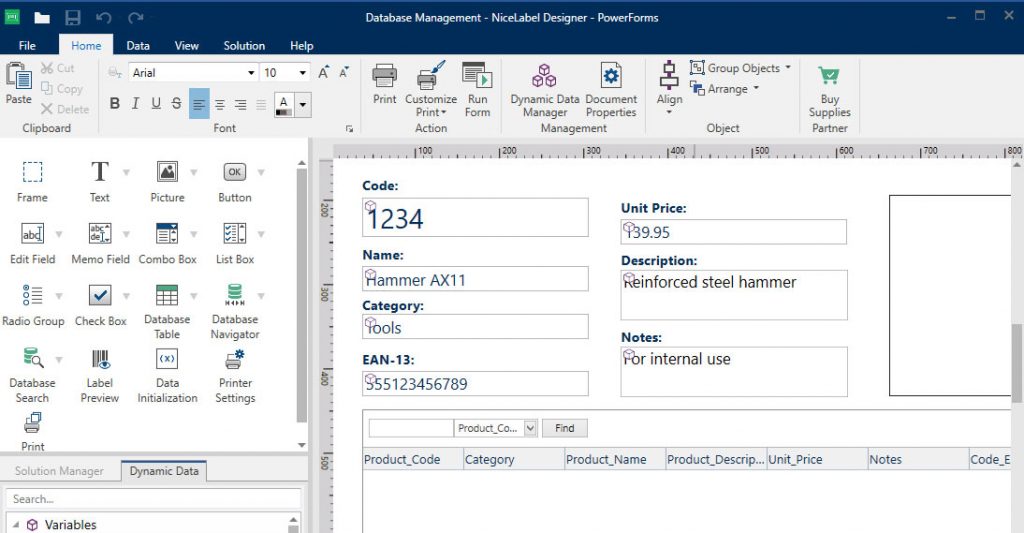
Configure labeling applications and integrations more quickly than traditional custom-development projects.
Avoid becoming dependent on the one developer who originally wrote a highly customized solution.
Qualified NiceLabel specialists can maintain configured solutions without reverse-engineering custom code.
Adapt workflows as your organization, systems and compliance requirements change.
Watch how NiceLabel helps organizations modernize design, management, deployment and printing.
Use one connected platform to manage label content, approvals, manual printing and automated integration across your organization.
Speak to RUXO Labels about your users, sites, printers, data sources, approval processes, SAP or ERP integration and deployment requirements.
